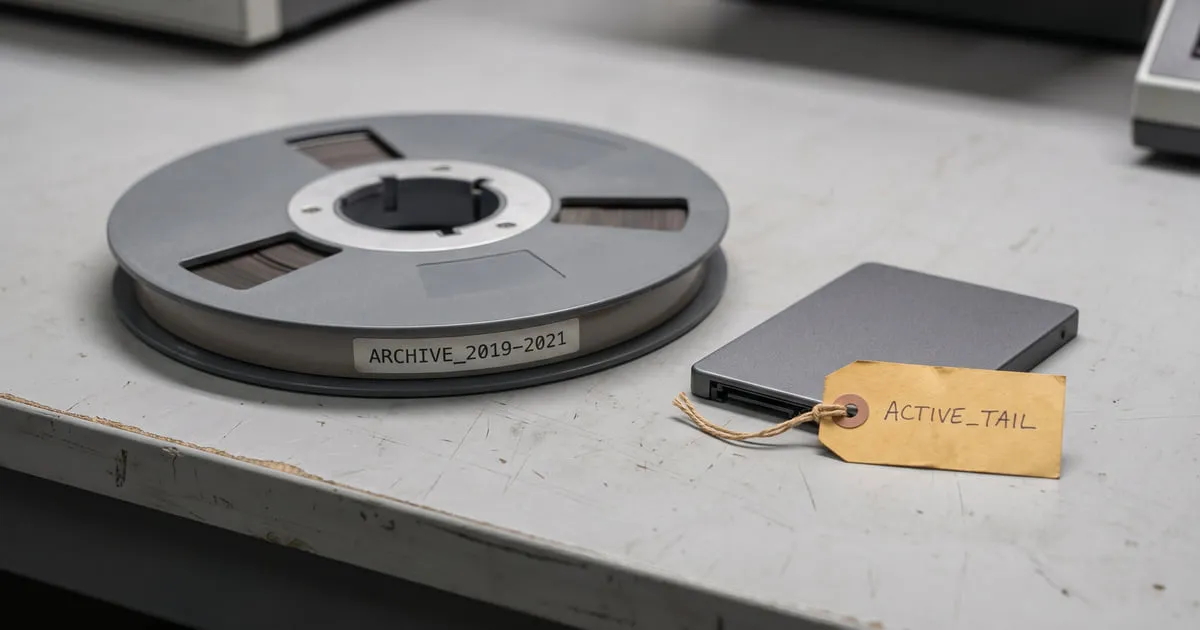
I once saw an orders table that had accumulated eight years of data. 95% of the queries looked at the last 90 days — but every query paid the price of the remaining eight years in index size and vacuum time. The hot data was carrying the weight of the cold data.
No table can grow forever. Archiving is accepting that and planning for it from the start.
A table can’t grow forever
Most tables have a natural hot/cold split. Active data — this week’s orders, open tickets — is read and written constantly. Historical data — records closed three years ago — almost never changes and is rarely read. But when the two live in the same table, the cold data slows down every query against the hot data: indexes bloat, autovacuum can’t keep up, the working set grows artificially.
Archiving is a lifecycle
Archiving isn’t a cleanup chore you think of once the table has grown large enough to cause panic. It’s a lifecycle for the data, and it should be designed on day one: data is born hot, cools over time, then turns cold. The question isn’t “will we archive,” it’s “where does the cooling data go.”
Partition-based archiving
The cleanest method is to partition the table by time — the structure described at the third breaking point of data-intensive systems. In append-heavy data the natural key is time, and partitions make archiving nearly free.
Instead of deleting an old partition, you detach it:
ALTER TABLE orders DETACH PARTITION orders_2023_01;With DETACH, the partition breaks away from the main table but continues to exist in the database as a separate table. Now you can move it however you like — without deleting it, without freezing it.
Cold storage options
Detached partitions can go to different places depending on cost and access needs:
- A separate archive schema — same database but in an
archiveschema; queryable, just out of the hot path. - Cheaper disk — moving the partition’s files to a different tablespace.
- Object storage — moving the partition into an S3-like store as a compressed dump or as Parquet; the cheapest, the slowest to access.
- A separate archive database — fully independent of the live system’s capacity.
Keeping access while you archive
This is the hard part: archived data is often not entirely dead. An audit, a support request, a legal obligation can demand it again. Don’t confuse archiving with “making it inaccessible.”
Practical balances: keeping archive tables queryable (just on cheap storage); reaching data in object storage via a foreign data wrapper; or leaving a separate path that is explicitly known as the “archive query,” slow but working. Whichever you choose, leave a door to the cold data — as long as that door is separate from the hot path.
Deleting is an archive decision too
Sometimes the right archive is deletion. Not every piece of data needs to be kept; a retention policy answers the question “how long does this data live” from the start. Regulations like KVKK/GDPR already make deletion mandatory for some data. Design deletion as a step in the lifecycle too — not as an afterthought.
An archiving strategy starts with accepting on day one that the table will grow. The way to keep hot data fast is to stop cold data from being a burden on it.
Your table will grow; the only question is whether you planned for it or production reminded you.
Comments
Sign in with your GitHub account to join the discussion. Comments are stored in GitHub Discussions.