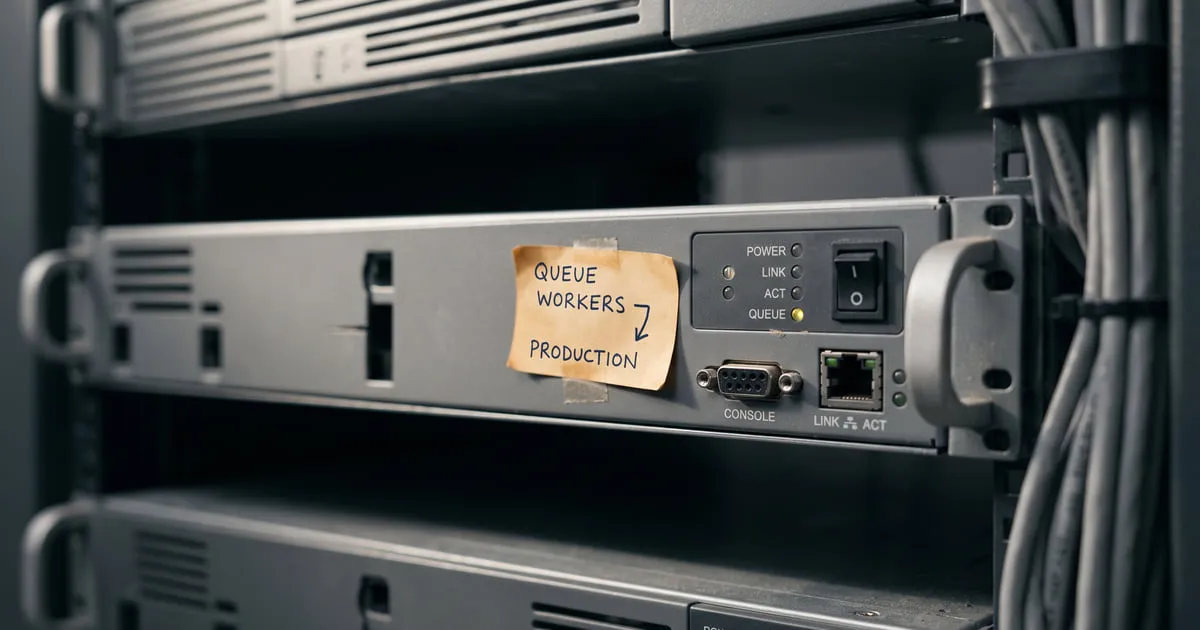
“This queue worked locally” has been said in the same tone for years. It works in production too — just not at the speed you expected. The real reasons usually live outside Laravel.
1. No connection pool for the queue storage
Say you’re using Redis as your queue storage.
By default, phpredis or predis opens a new connection per worker process, not per job — queue:work is a single long-lived process and Laravel’s RedisManager caches the connection it resolves. Where a new process is spawned for every job (queue:listen, PHP-FPM requests), that becomes a new connection per job: one TCP handshake of latency each, plus the occasional ECONNRESET.
The fix: persistent => true in config/database.php (for phpredis) — Laravel passes the same option through to RedisCluster, so a clustered setup is covered too. Keep the connection open when you start the worker:
'redis' => [
    'options' => [
        'cluster' => env('REDIS_CLUSTER', 'redis'),
        'prefix' => env('REDIS_PREFIX', ''),
        'persistent' => true,
    ],
],
Note: On the RabbitMQ side, the main optimization point is not the persistent socket flag but connection lifecycle management. Instead of opening a connection per job, use a long-lived AMQP connection per worker process, reuse channels, and tune heartbeat/read-write timeout values to match job durations.
2. Synchronous I/O blocking inside the job
An Http::get() call can sit waiting on a 30-second timeout. That job holds that worker. 10 workers, 10 slow upstreams — the rest of the queue stalls.
Two rules:
- Every HTTP/SQL call gets an explicit timeout. Not the default 30 seconds, 5.
- Work that has to wait belongs on a separate
delay-ed queue (e.g. aslowqueue for webhook retries, fast work on thedefaultqueue).
3. Wrong Supervisor numprocs
A single queue worker is a single PHP process. A single PHP process uses a single CPU core. Running 1 worker on a 4-core server means leaving nproc * 0.75 idle.
A typical rule: numprocs = nproc (CPU-bound) or numprocs = 2 * nproc (I/O-bound). Measure every app.
[program:laravel-worker]
process_name=%(program_name)s_%(process_num)02d
command=php /var/www/app/artisan queue:work redis --queue=default --sleep=1 --tries=3 --max-time=3600
autostart=true
autorestart=true
numprocs=4
user=www-data
redirect_stderr=true
stdout_logfile=/var/log/laravel-worker.log
stopwaitsecs=3600
stopwaitsecs=3600 matters — it stops Supervisor from cutting a long job short during a restart.
4. You’re not restarting on memory leaks
Long-running PHP processes accumulate memory. With --max-time=3600 or --max-jobs=1000, workers should terminate themselves periodically and be restarted by Supervisor. Otherwise:
- The worker eats 8 GB of RAM.
- The OOM killer kills it.
- It’s unclear which job it cut off mid-flight.
5. Using a single queue for job batches
Throw high-volume “send notification” jobs and a handful of “process payment” jobs onto the same queue and you get:
- 50,000 notifications clog the queue for 30 minutes.
- The payment job waits.
- The customer writes in saying “my payment didn’t go through”.
Prioritize: put important work on separate queues and have the worker listen in order with --queue=payments,default,low.
The metrics you need to watch
Three things are enough:
- Queue length (Redis:
LLENon the queue list — delayed and reserved jobs sit in separate sorted sets, so add theirZCARD). - Job duration p95 (your own instrumentation — Horizon’s metrics dashboard gives throughput, wait time and average runtime, not percentiles).
- Failed job count in the last 5 minutes.
Put these three on a dashboard and have them alert when they cross a threshold.
90% of queue slowness is something on this list. The remaining 10% are the real bottlenecks (database, external API) — and to find those you need the right measurement. In production, “the queue is slow” shouldn’t be a hypothesis; it should be something you measured.
Comments
Sign in with your GitHub account to join the discussion. Comments are stored in GitHub Discussions.